How to Livestream a Wedding for Guests Who Cannot Be There
| Filed | Takes |
|---|---|
| 5 min read |
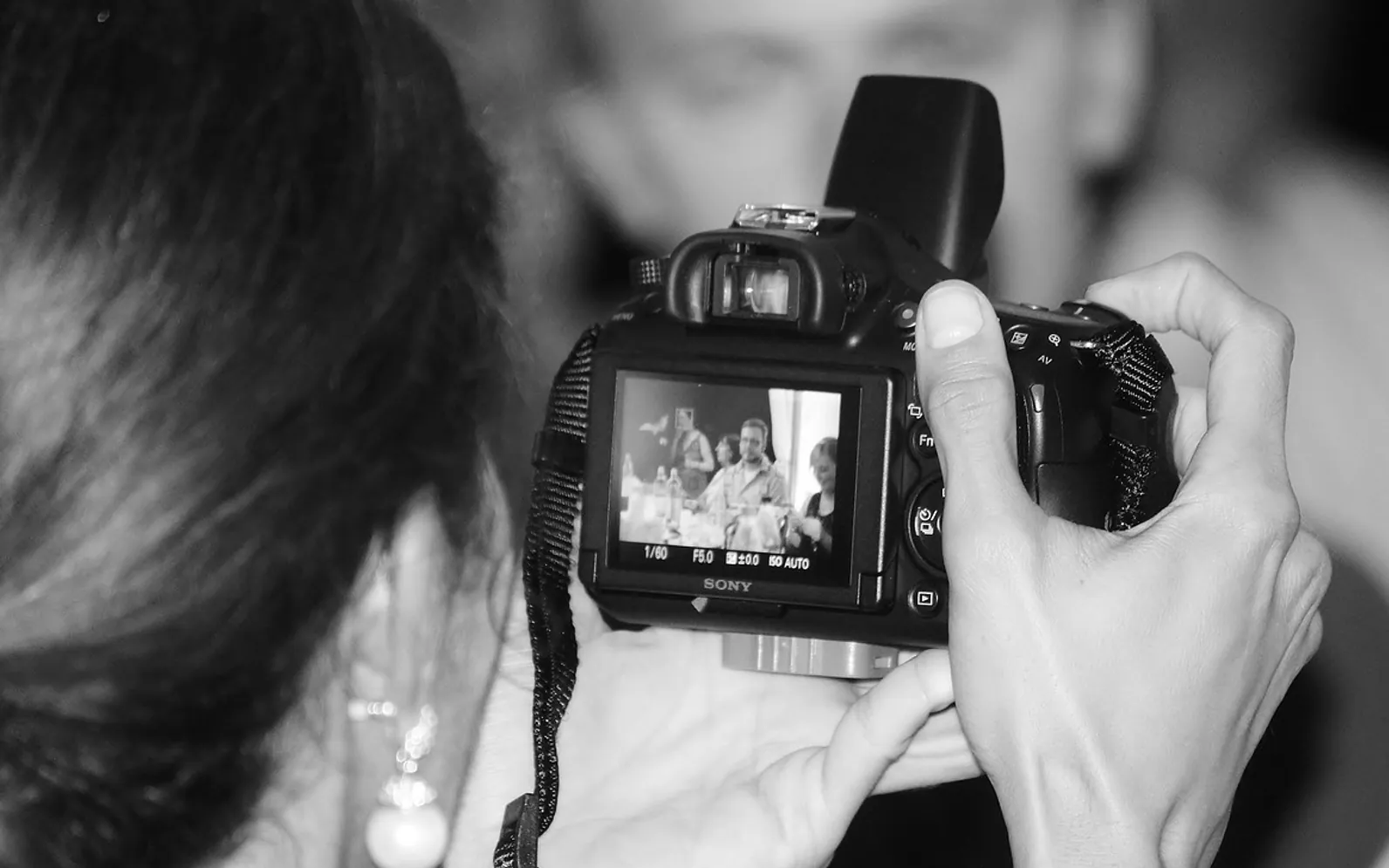
Every guest list has a few names with a question mark next to them. A grandparent who can no longer fly, a best friend posted abroad, a sister due to give birth the same month. For them, a livestream of the ceremony turns "sorry we missed it" into "we watched you say it". The good news is that a reliable stream needs more planning than equipment. Most problems on the day come from weak internet, poor sound or nobody being in charge, and all three can be sorted out weeks in advance.
Decide what you are streaming
Few couples stream the whole day. The usual choice is the ceremony alone, which is short, has a clear start and end, and is the part remote guests most want to see. Some add the speeches, since they are also seated and well lit. Dancing and dinner rarely make good viewing and add hours of battery and data use.
Write down the scope and the start time, then tell the venue and the officiant. Some venues and places of worship have their own rules about filming, and it is far easier to ask early than to discover a restriction on the morning.
Choosing a platform
The best platform is the one your remote guests can open without help. Think about who is watching before you think about features.
| Option | Strengths | Watch out for |
|---|---|---|
| Video-call app | Guests can wave and be seen; familiar to many families | Participant limits, muting chaos, and faces on screen that the couple may not want |
| Private or unlisted stream on a video platform | One link, no sign-in for viewers, often a recording afterwards | Music in the background can trigger copyright muting on some services |
| Social media live video | Easy for friends who already use the app | Harder to keep private; older relatives may not have accounts |
| Hired streaming service | Multiple cameras, mixed sound, someone else carries the stress | Cost, and one more supplier to coordinate |
For a mixed audience, a single unlisted link that works in a browser is often the least confusing. If grandparents want to be seen as well as watch, a separate video call on a tablet facing the couple can sit alongside the main stream.
The kit for a simple setup
A recent smartphone can produce a perfectly watchable stream. What makes the difference is everything around it.
- A tripod or clamp, so the picture never wobbles. A handheld phone at a ceremony is tiring to watch.
- Power: a charger with a long cable or a power bank, plus the phone in airplane mode with Wi-Fi switched back on, so calls and notifications cannot interrupt.
- Sound: a clip-on microphone on the officiant or one partner, wired or wireless to the phone. The built-in mic at the back of the room will pick up coughs and shuffling more clearly than the vows.
- Internet: venue Wi-Fi if it is tested and quiet, otherwise a mobile hotspot with a good signal. A wired connection beats both where it is possible.
- A second device logged in as a viewer, to check what remote guests are actually seeing.
Position the camera at the side of the aisle near the front, angled to see both faces rather than the backs of heads. Coordinate with the hired photographer and videographer so the stream camera does not sit in their shot; the lighting and camera setups photographers use at events give a sense of where they will need room to move.
Put someone in charge
The couple cannot run a stream from the altar, and a parent should not have to. Ask one calm, tech-comfortable guest to be the stream host. Their jobs on the day:
- Arrive early, set up the camera and microphone, and start a test stream.
- Go live ten to fifteen minutes before the ceremony with a still shot of the venue, so remote guests know they are in the right place.
- Watch the viewer device and the battery level throughout.
- Keep an eye on the chat or messages from remote guests, and answer quietly if someone cannot hear.
- End the stream after the recessional and save or download the recording.
Give the host a printed sheet with the link, passwords, the hotspot name and the venue contact. It sounds old-fashioned, but it saves a scramble when a phone locks itself.
Run a rehearsal
A test at the actual venue, at roughly the same time of day, is worth more than any gadget. Check the signal where the camera will stand, see how sunlight through windows affects the picture, and record a few sentences through the microphone to hear how the room sounds. If there is a rehearsal dinner or a ceremony walk-through, stream a few minutes of it privately and ask a friend at home to report back.
Telling remote guests what to expect
Send the link and a short note a few days before, then again on the morning. Include:
- The start time in the viewer's own time zone if family is spread across countries.
- Whether they need to sign in, and a reminder to open the link early.
- What will be shown (ceremony only, or speeches too).
- Whether the recording will be shared afterwards.
Printed invitations can carry a line saying a stream will be available for those who cannot travel; the invitation and save-the-date timeline shows when guests are deciding whether they can come, which is the right moment to mention it.
Livestreams and unplugged ceremonies
Couples sometimes worry that asking guests to put their phones away clashes with streaming the vows. In practice they work well together: one planned camera replaces a dozen raised phones, and the officiant can mention that the ceremony is being shared with family far away. The ways to word an unplugged ceremony request adapt easily to include that line.
Etiquette and privacy
Keep the link private and avoid posting it publicly, since a wedding stream reveals a location and a time when a household is away. Let guests in the front rows know they may appear on camera. If children of other families will be visible, a quick word with their parents is courteous. Afterwards, ask before sharing the recording widely; some relatives may be happy to be seen crying at the ceremony, others less so.
What if the connection drops?
Have the host record locally on a second device as a backup. If the stream fails, the recording can be sent to remote guests the same evening, alongside the photos collected from everyone else. A shared album gathered with a QR code is a natural place to add the ceremony video for those who watched from afar.
With the scope agreed, a tested connection, clear sound and one person looking after it, the stream fades into the background, which is exactly where it belongs. The people watching from a kitchen table on another continent will remember hearing the vows, not the technology that carried them.
What is new in each topic
Tell us what you think.
Suggestions help us plan.