Image to SVG Converter Online: A Simple Path to Better Vector Graphics
| Filed | Takes |
|---|---|
| 2 min read |
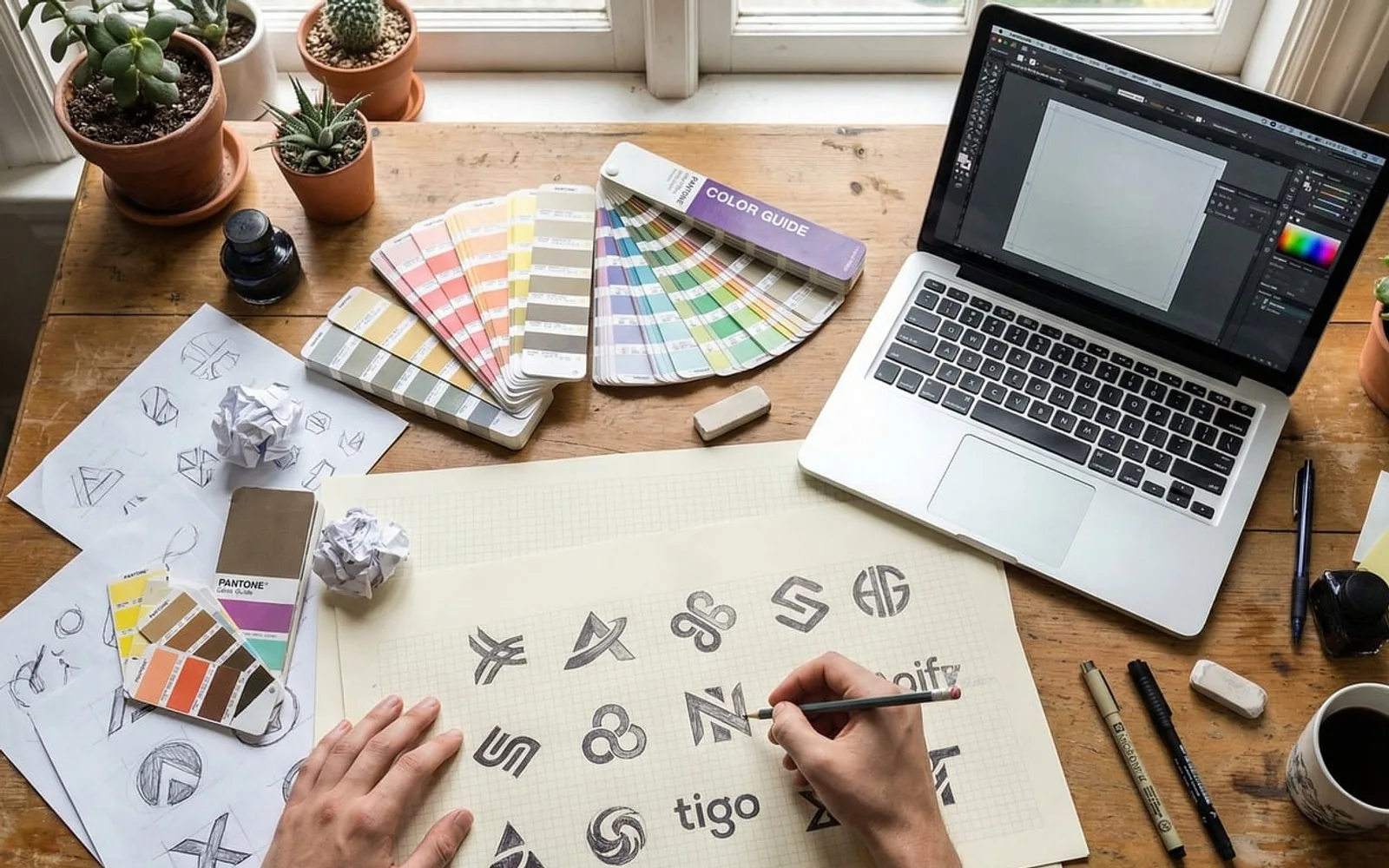
Stretch a small logo across a shop banner and its edges often turn fuzzy and stepped. The reason is simple: photos and most everyday image files are made of pixels, a fixed grid of coloured squares. Scalable Vector Graphics work differently. An SVG stores shapes as mathematical paths, so a browser or printer can redraw it sharply at any size.
Converting a raster image into vector form used to mean hours of manual tracing in desktop software. Online converters now do most of that work automatically, which makes vectors practical for small shops, bloggers and anyone who simply needs a cleaner version of an existing graphic.
Which images are worth converting
Automatic tracing reads edges and areas of flat colour, then rebuilds them as paths. That means some images convert beautifully and others are better left as they are.
| Converts well | Usually better kept as pixels |
|---|---|
| Logos and wordmarks with solid colours | Detailed photographs of people or scenery |
| Icons, badges and simple illustrations | Images with soft gradients and fine textures |
| Hand-drawn sketches on plain paper | Screenshots full of small text |
| Silhouettes and line art for cutting machines | Low-resolution files with heavy compression |
The left-hand column covers most of what small businesses and crafters actually need: brand marks, signage graphics, stickers, embroidery outlines and designs for vinyl or laser cutters.
What an online converter does for you
A browser-based tool removes the setup that desktop software requires. You upload a file, adjust a few options such as colour count or detail level, and download the result. A dedicated Image to svg converter keeps the process in one place, which is handy when you need a quick vector version of a logo for a website header or a print shop that asks for scalable artwork.
The benefits go beyond sharpness. A vector logo rarely weighs much, so web pages carrying it stay light and quick, and because they are text-based they can be styled with CSS, animated or edited later without starting again. A single master file can serve a website, a social media avatar and a large printed banner.
A tidy workflow for better results
- Start with the cleanest source available. The largest, least compressed version of the image gives the tracer clearer edges to follow.
- Simplify before uploading. Crop out backgrounds and remove stray marks so they do not become unwanted shapes.
- Limit the palette. Fewer colours usually produce cleaner paths and smaller files.
- Inspect the output closely. Zoom in on curves, corners and lettering, where tracing errors tend to appear.
- Refine where needed. A free vector editor can smooth a wobbly line or merge shapes that split apart.
Small checks that save time later
Text inside a traced image becomes outlines rather than editable letters, so keep the original font name noted if you may need to change the wording. Check that your file opens correctly in the program or service where it will be used, since cutting machines and print shops sometimes have their own preferences. Finally, only convert artwork you own or have permission to use; vectorising a graphic does not change who holds its rights.
Handled this way, a quick conversion becomes a long-lasting asset: one clean file that stays sharp wherever it appears.
What is new in each topic
Tell us what you think.
Suggestions help us plan.